Moova TV for Roku
Add Moova TV to your Roku
A fast, clean player for your TV, with your phone as the remote.
Moova TV is a media player. It comes with no content: you add your own playlist.
Add Moova TV on RokuOpens the Roku Channel Store. Sign in with the Roku account your TV uses.
Or find it on your TV
Prefer the remote? It takes four steps.
- Press Home on your Roku remote.
- Open Streaming Store, or go to Search.
- Search for “Moova TV”.
- Select Add app.
How it works
Add the app
Get Moova TV from the Roku Channel Store, here or on your TV.
Add your own playlist
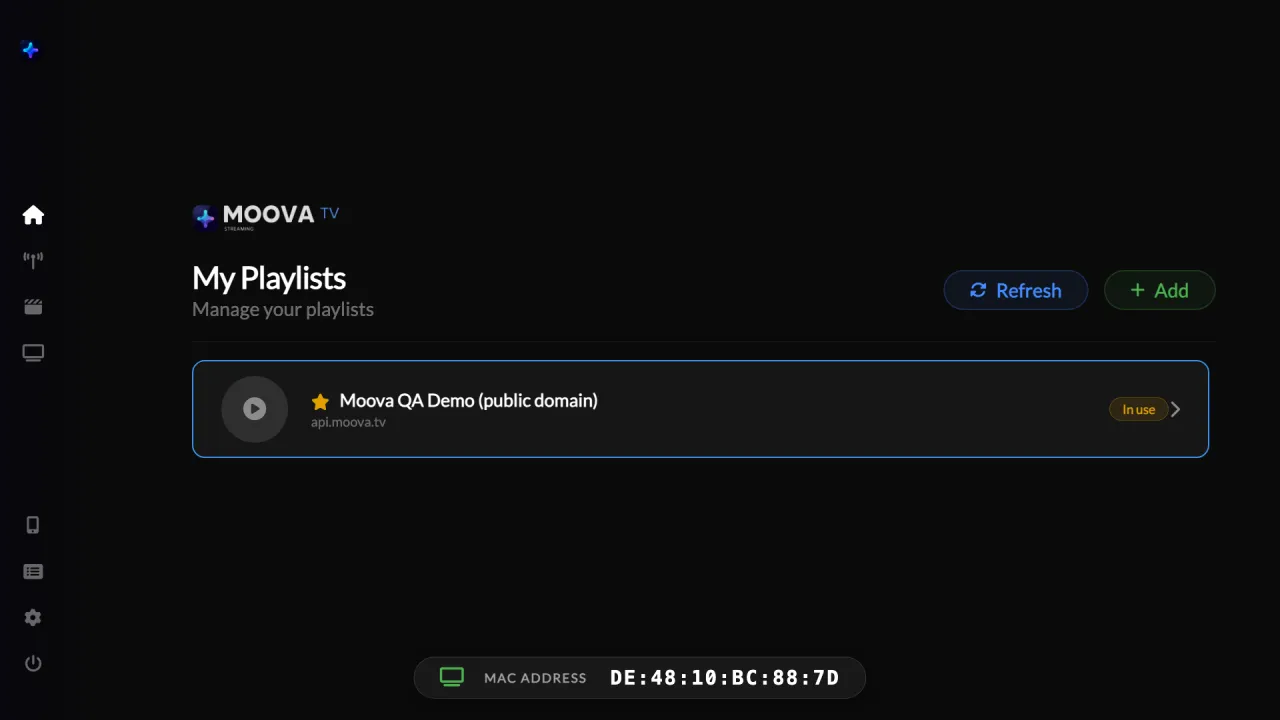
Open Moova TV on your Roku and follow the steps on the screen to add your playlist from your phone or computer.
Watch
Your playlist opens on the TV, organized and easy to browse with the remote.