Your TV.A whole new dimension.
Your playlists, beautifully organized on your TV. Browse, play and take control from your phone.
7 days free. No credit card.
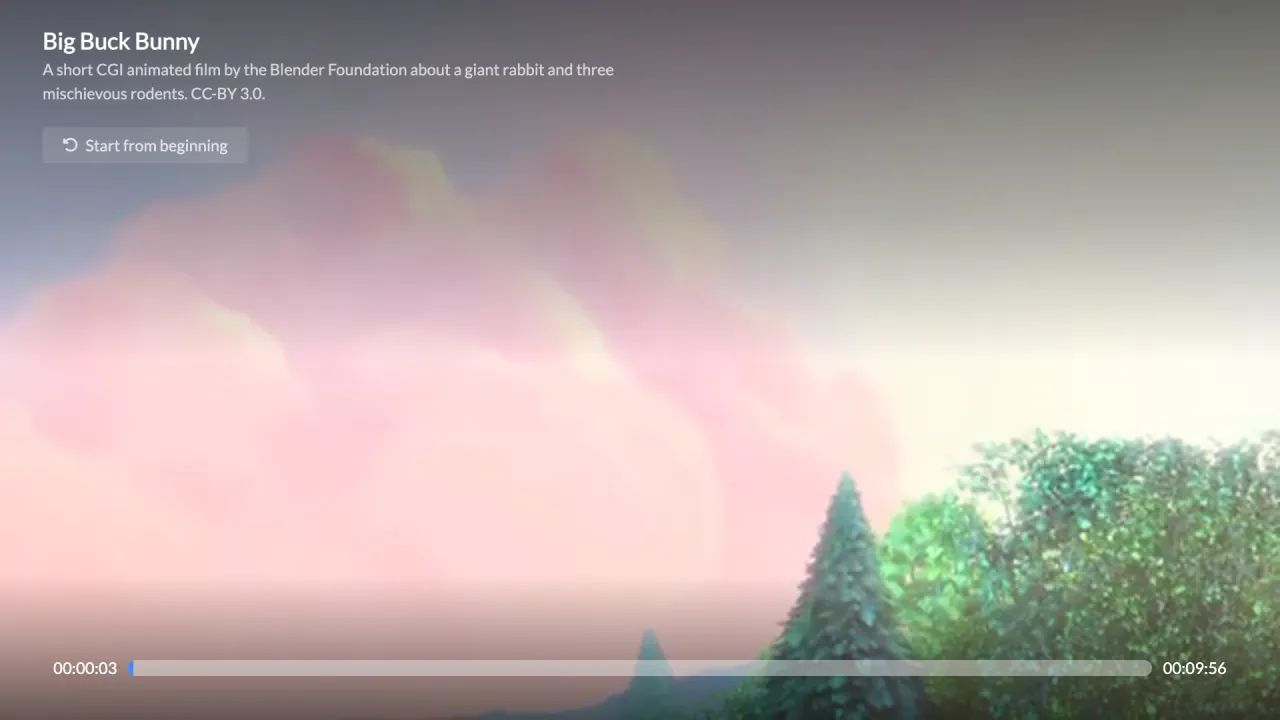
Illustrative interface. Content not included.




Available: Roku, Amazon Fire TV, Apple TVComing soon: Samsung, LG, Android TV / Google TV
Built for watching,
not for configuring.
Your playlists become an experience worth sitting down for. Every detail finds its place. You find your next favorite.
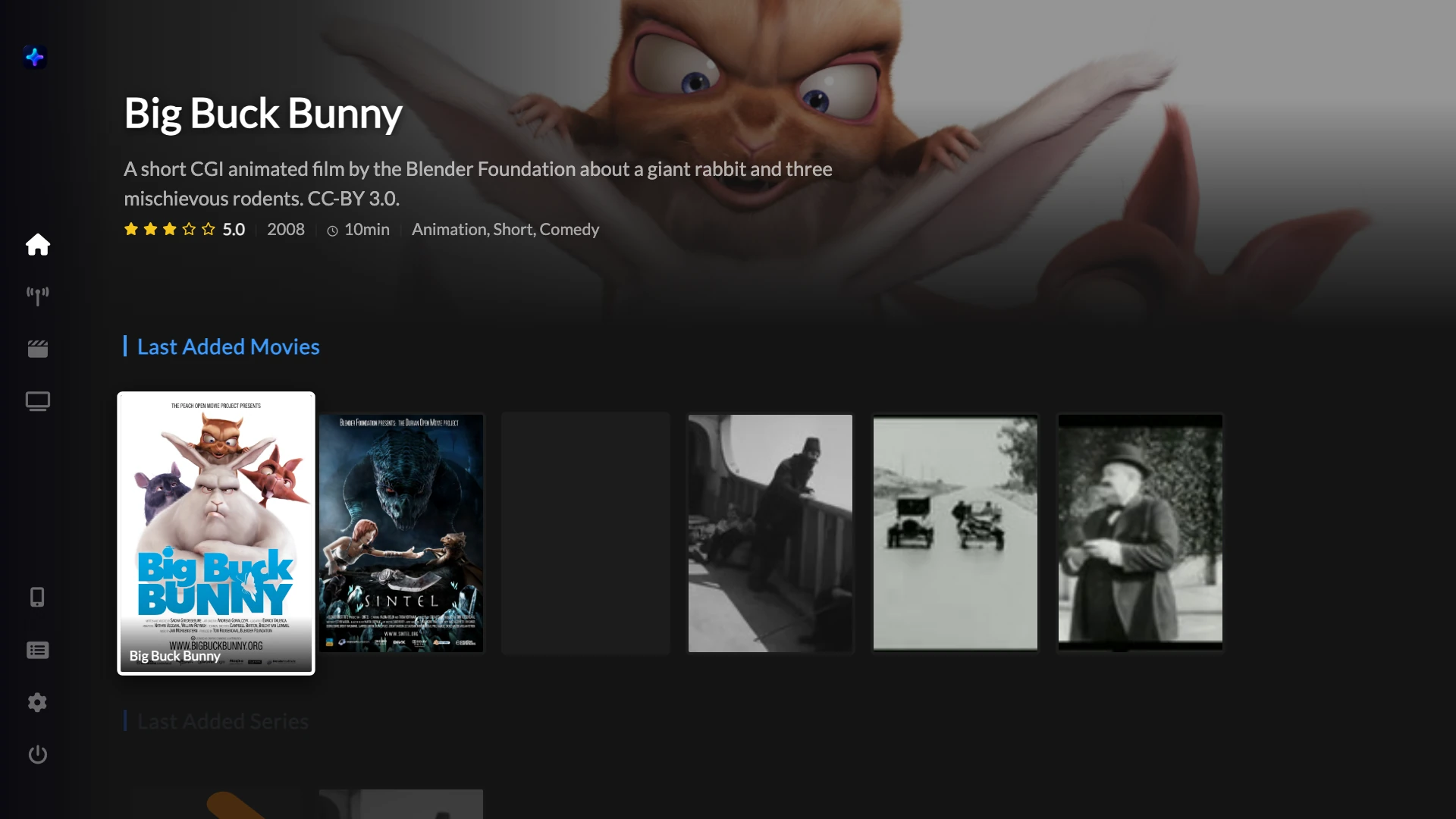
Pick up where you left off
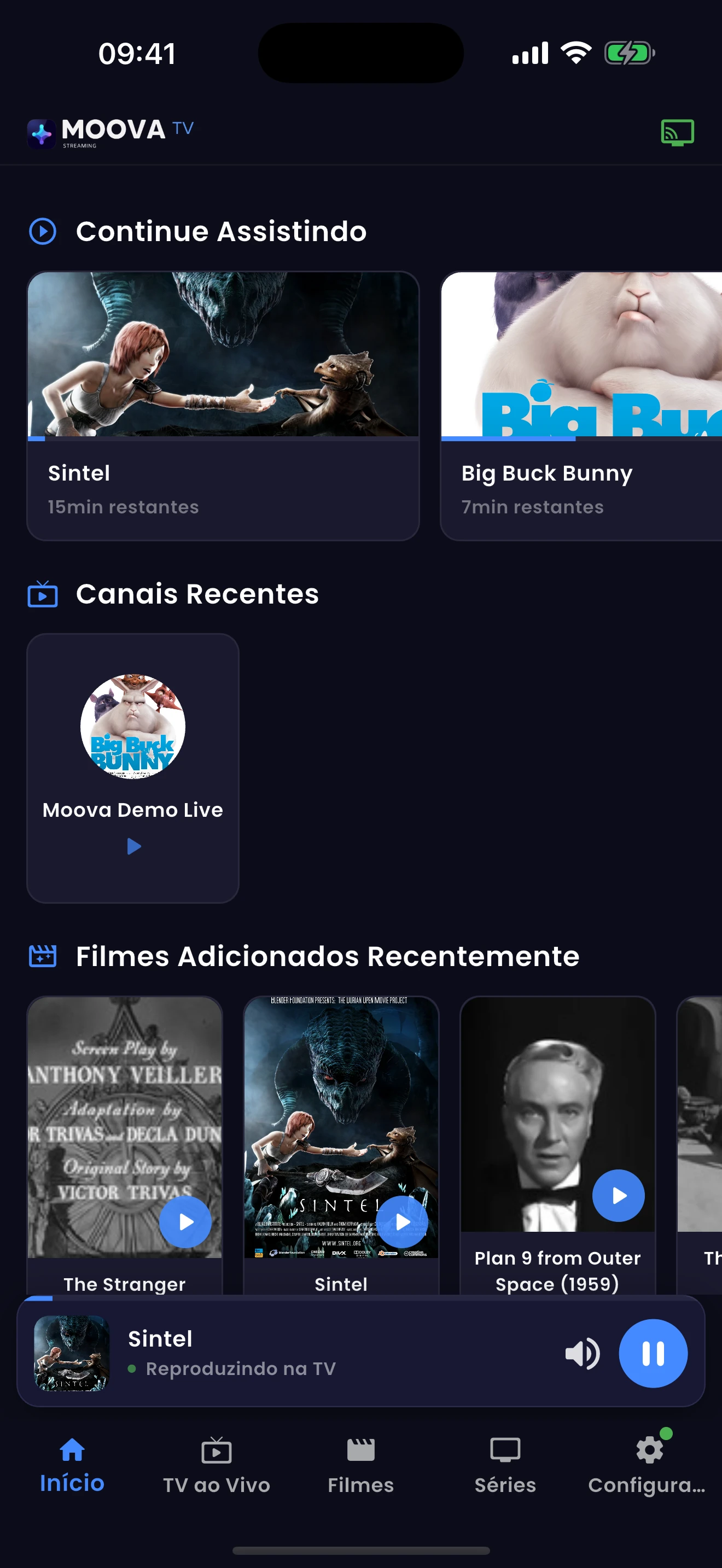
Movies and series in progress right on the home screen. The series remembers the episode, the movie remembers the minute, and the right button shows up: Continue or Next episode.
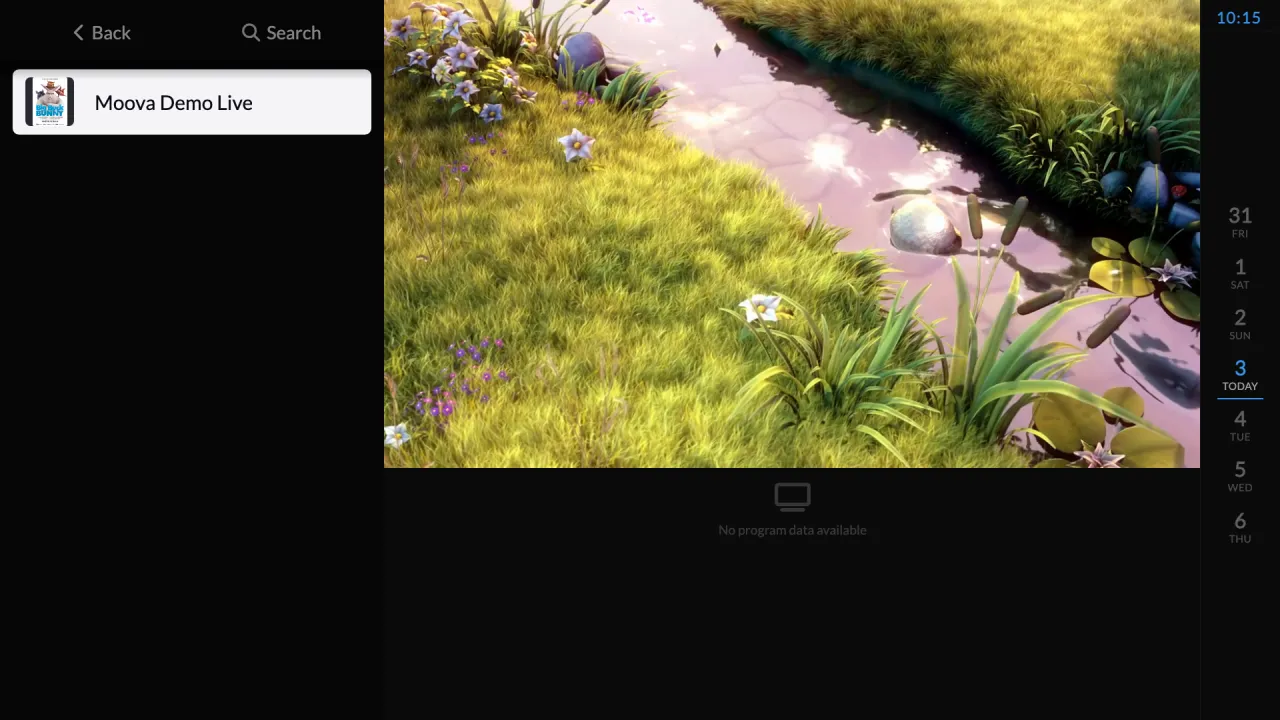
Live TV with EPG
Today and the next 7 days in Live mode, with catch-up whenever your server offers it.
A parental PIN that holds
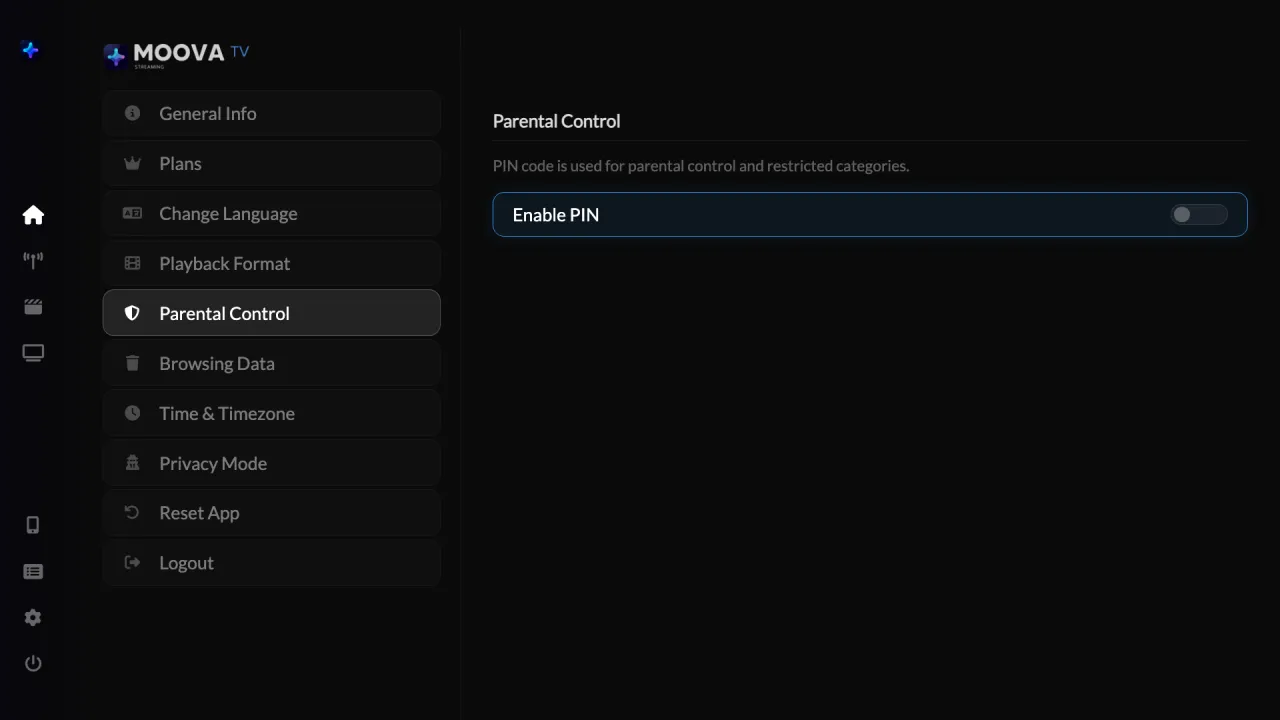
Lock categories with a PIN. They disappear from search and highlights. Privacy mode pauses the watch history whenever you want.
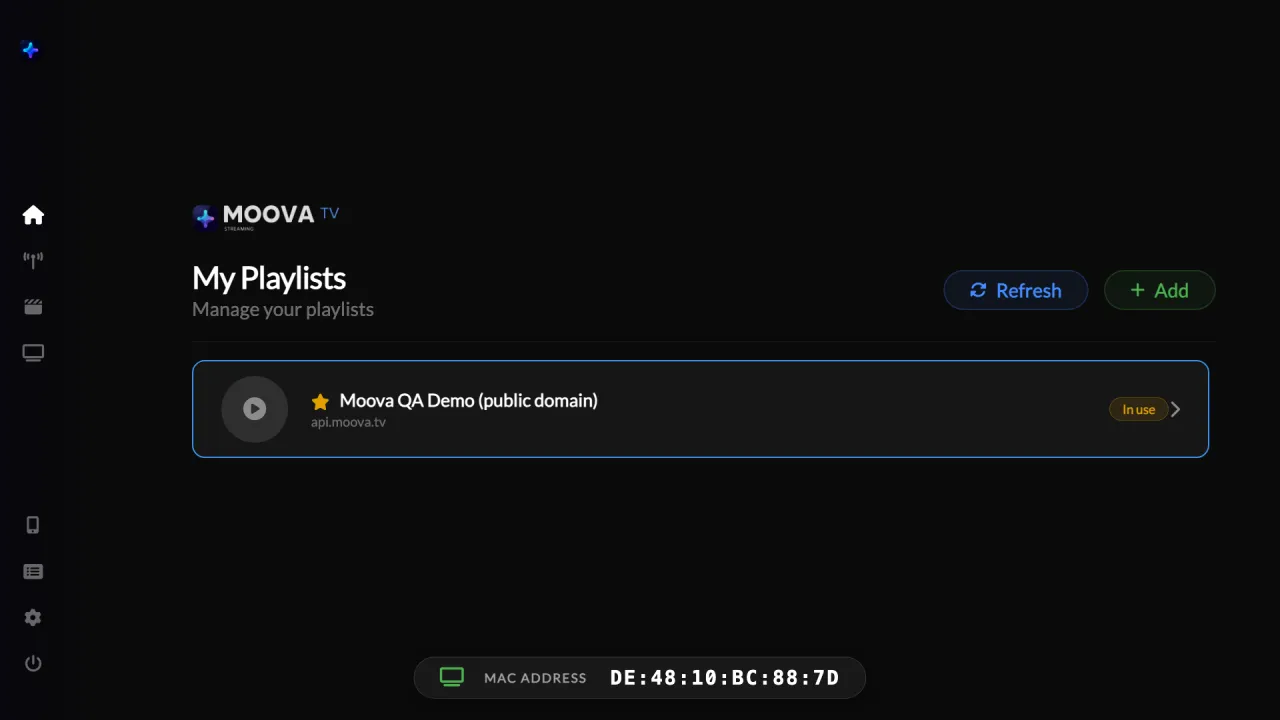
Several playlists
Add, rename, switch and protect each playlist with a PIN. From the TV or from the phone.
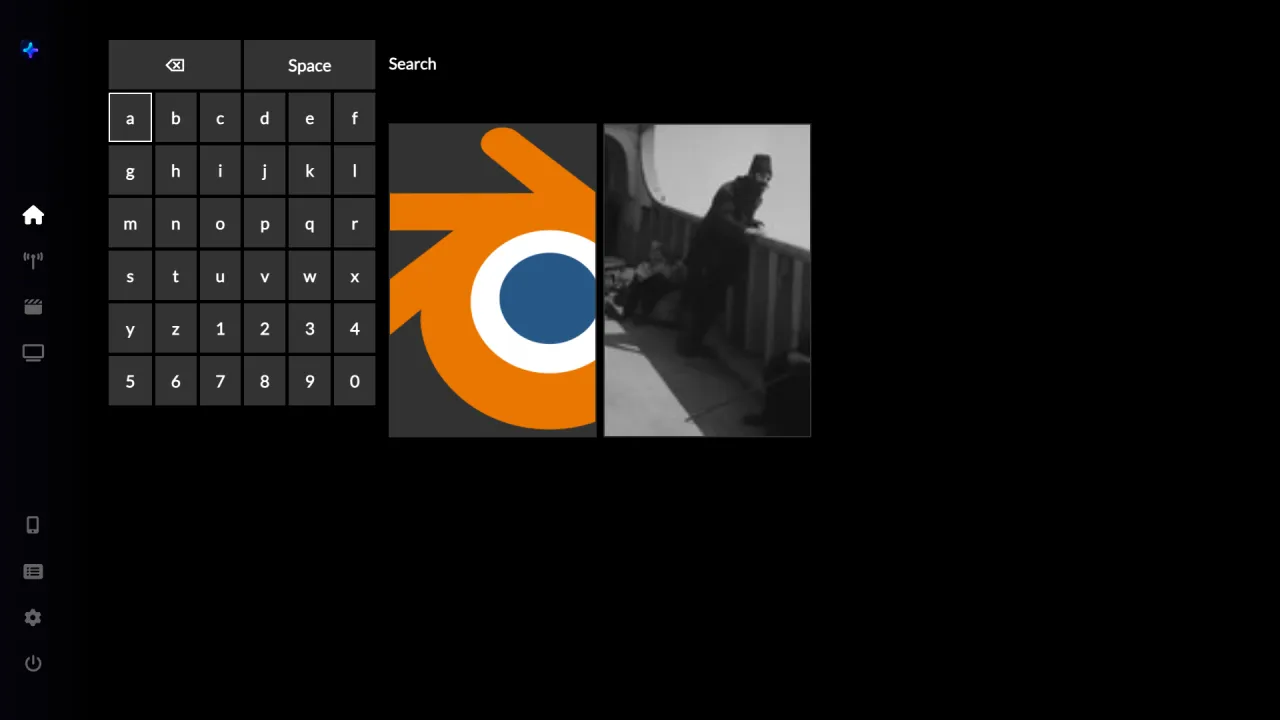
Fast search
On-screen keyboard on the TV or typing from the phone, with results filtered by the parental PIN.
Opens fast
The catalog is cached on the device. Moova opens straight on the home screen and only downloads everything again when you ask.
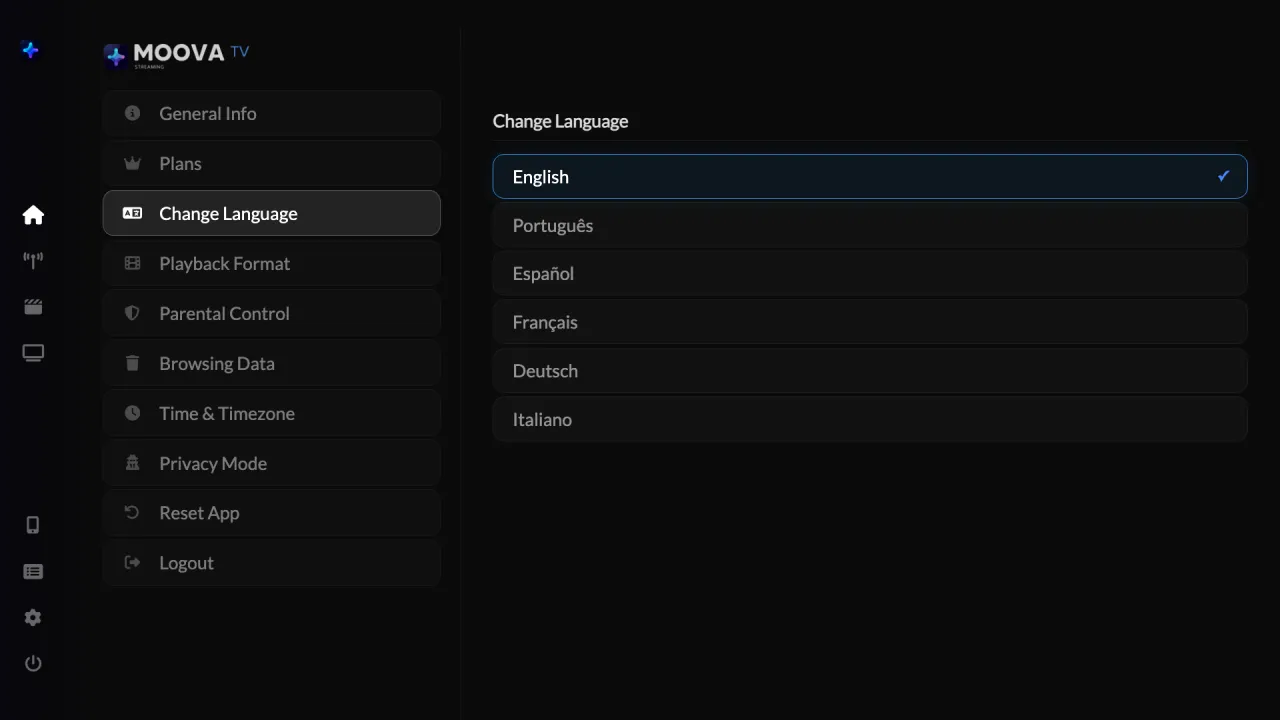
7 languages
Portuguese, English, Spanish, French, German, Italian and Ukrainian, with adjustable time format and time zone.
Playback that holds up
Channels in TS or HLS with automatic fallback, and channel zapping without stopping the player.
In your hand.
On your TV.
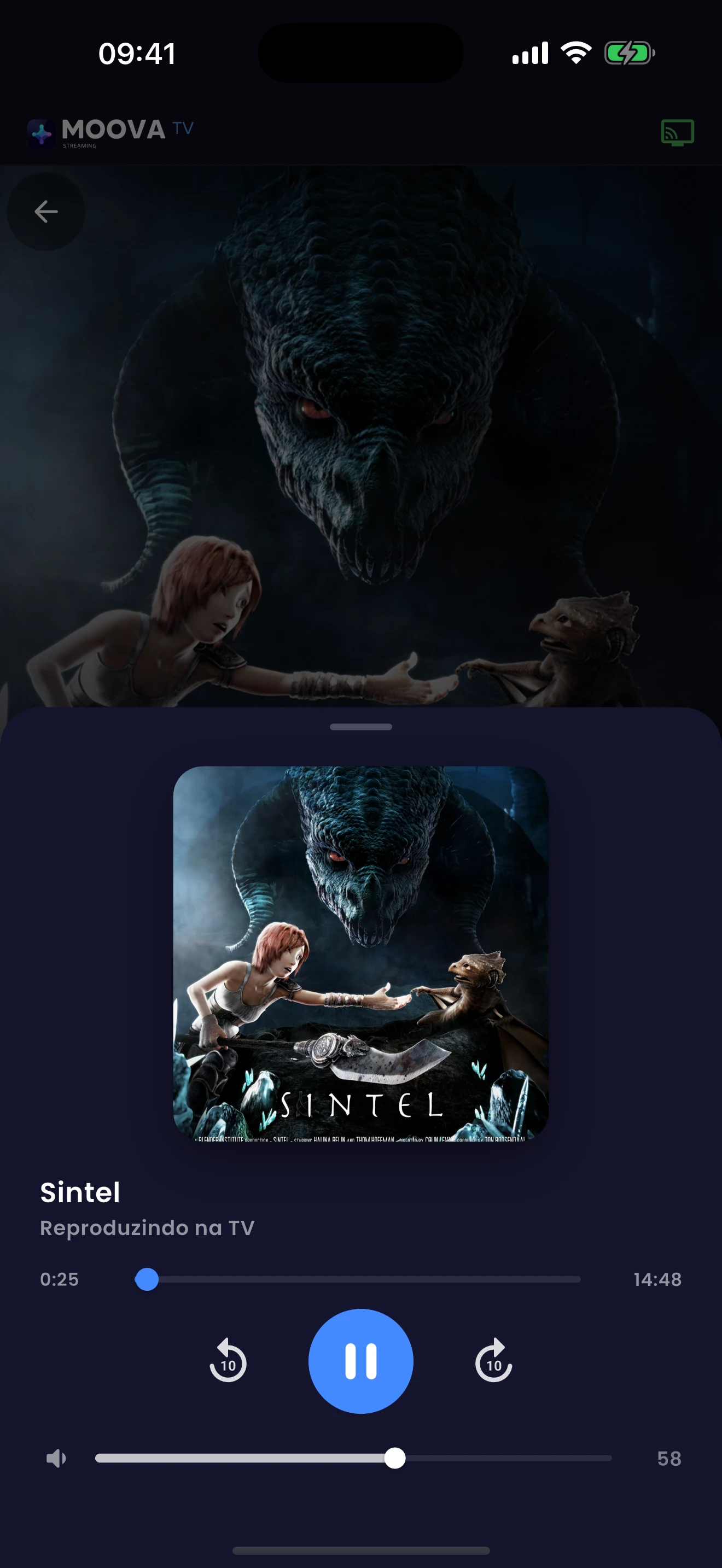
Find your next favorite on your phone. Send it to the big screen. Settle in.
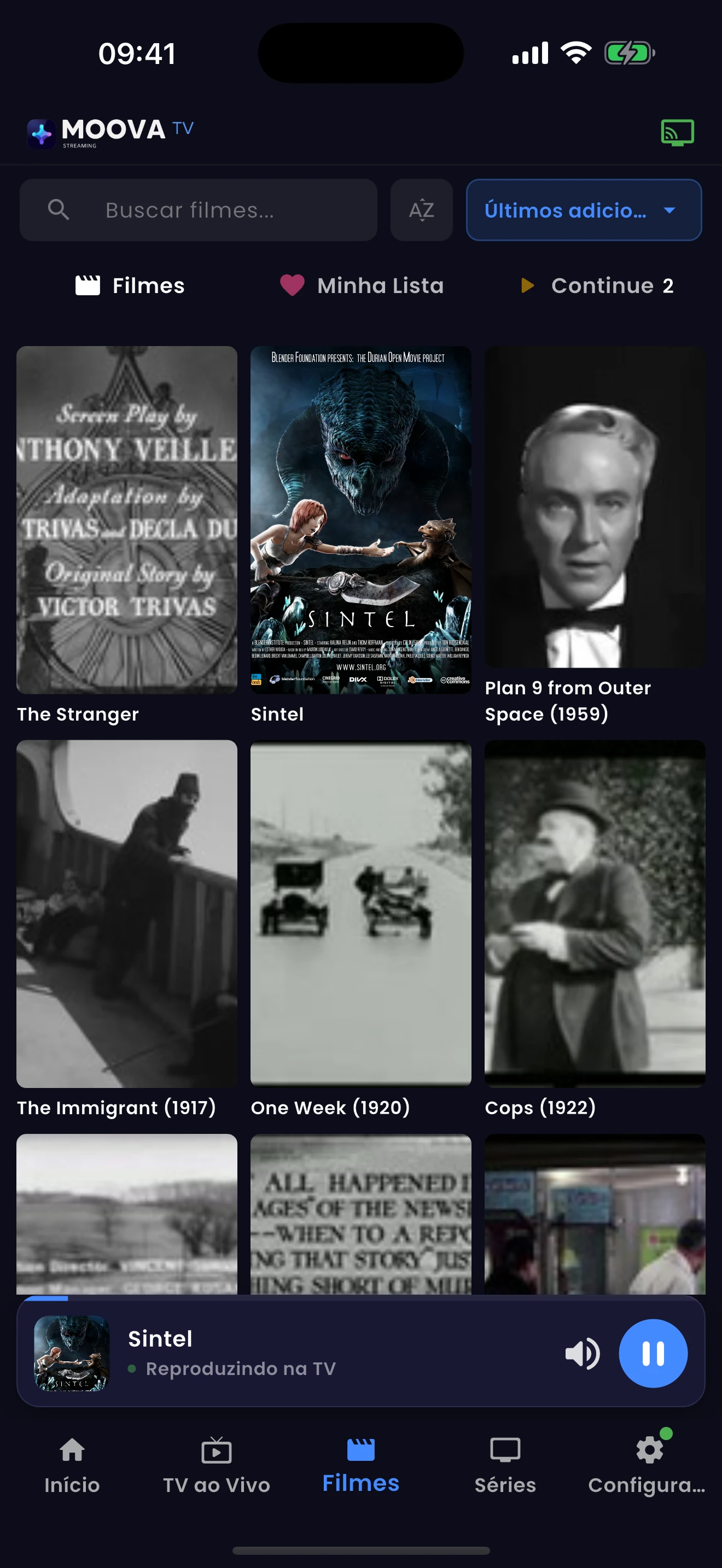
Type on your phone keyboard and see results right away. No more letter by letter with the remote.
Your next favorite moment.
Just a few steps away.
Make yourself at home.
The first screen shows a QR code and your TV's device address. The 7-day trial starts right there, no card.
Activate my TVBring your favorites.
Paste the URL of your playlist or media server on the site or in the app. The TV loads the catalog and you are watching.
PlaylistPress play.
Scan the QR or go to moova.tv/activation whenever you want to continue after the trial.
See plans
Activate with a QR codemoova.tv/activation
Great experiences.
Simple choices.
Try it free for 7 days. Then choose how to continue.
12 months of access
- Full player on every compatible TV
- Phone as the remote and sync
- Program guide, parental PIN and several playlists
- Updates during the period
One-time payment
- Everything in Annual
- Lifetime access, no renewal
- Future updates included
- Email support included
Plans unlock the player. No plan includes channels, playlists or content.
Does Moova include movies or TV channels?
Moova ships with no channels, no playlists and no content subscriptions. You bring your own sources; we make them look and feel premium on your TV.
How does the free trial work?
The first screen shows a QR code and your TV's device address. The 7-day trial starts right there, no card.
Can I use my phone as a remote?
Open Connect to TV on Moova, scan the QR with the app or type the code shown on the TV. The TV confirms and you are in.
Is one license valid for every TV?
Each license activates one device. You can manage your devices and playlists from your account.
Make room for a better way to